
Copy files to NTFS drives from your Mac
Move photos, videos and work folders to an external drive right in Finder. SafeNTFS adds NTFS write access, so you can use the same drive with your Mac and Windows PC.
Explore the featuresFor macOS 27 on a Mac with Apple Silicon
Just open Finder
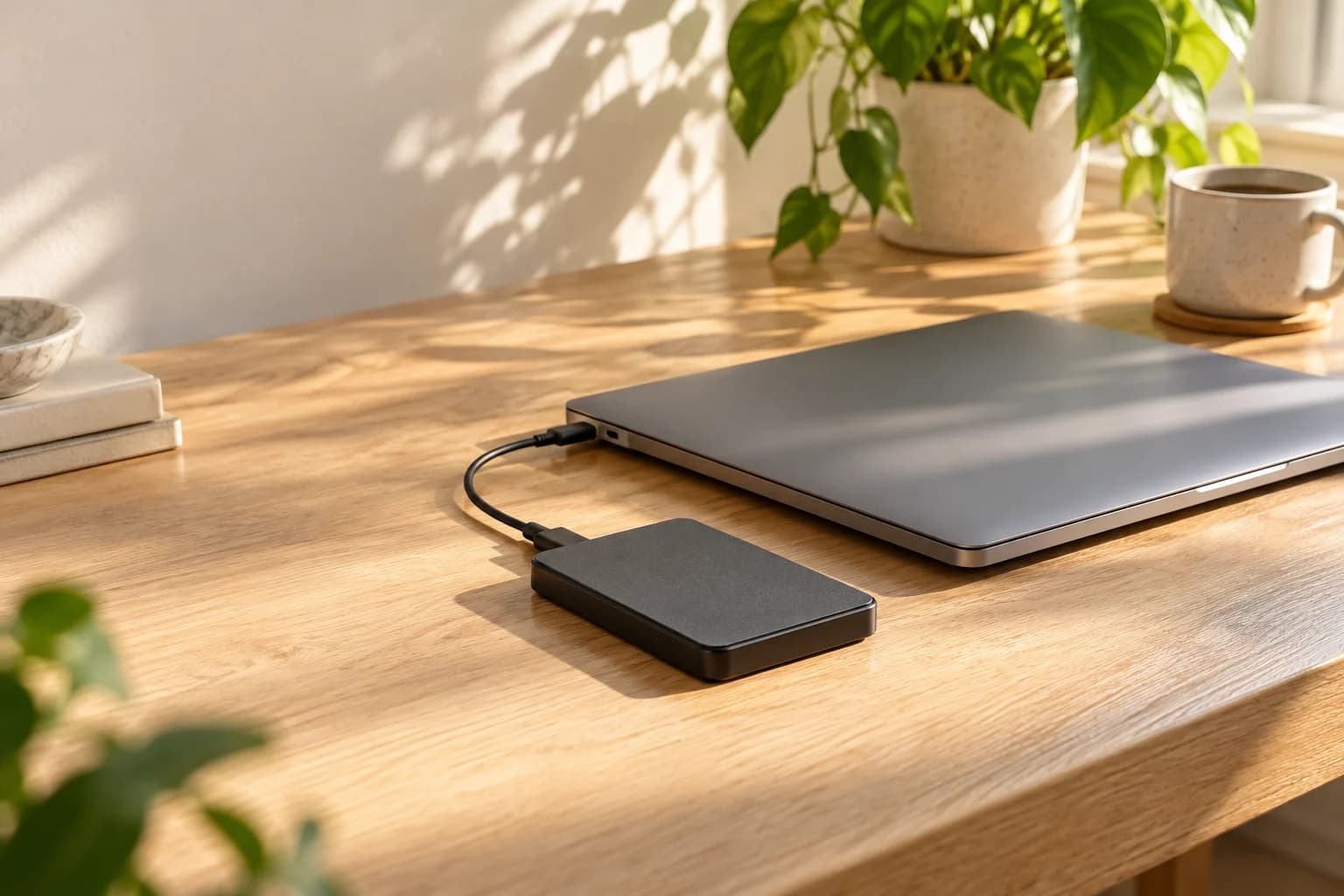
Drag files onto your drive, create a folder or save a document after editing it. Do it all in the place you already use to manage files on your Mac.
SafeNTFS enables writing to your external NTFS drive. Once it is connected, carry on in Finder without moving your files into another app.
Three steps to get started
- Install SafeNTFS and allow its extension in macOS settings.
- Connect an external NTFS drive and enable writing for it in SafeNTFS.
- Open the drive in Finder and copy files as usual.
Your files stay with you
SafeNTFS runs on your Mac. Disk contents are not sent to our servers, and you do not need to create an account.
Settings and history stay on your Mac too. If you need help, you choose what information to share with support.
SafeNTFS privacy policy
One drive for Mac and Windows
Take a work folder from your Windows PC and pick up where you left off on your Mac. Or copy photos and videos to a drive to share with colleagues, friends or family.
Your files stay on your NTFS drive. SafeNTFS lets you write to it from your Mac, and you can keep using it on Windows as usual.
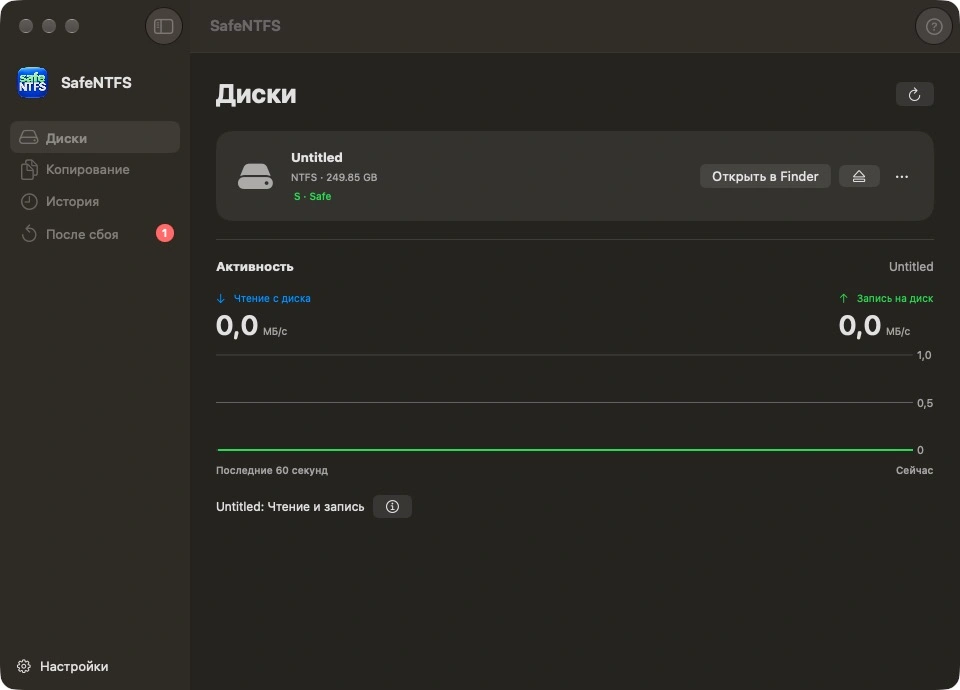
Your connected drives, at a glance
See which drives are connected and ready to write in SafeNTFS. Open the drive you need in Finder or eject it when you have finished.
The app shows read and write activity while you work. Your history keeps a record of recent operations for you to look back on.
Questions about SafeNTFS
What does SafeNTFS do?
It lets you write files to compatible external NTFS drives from your Mac. Copy photos and videos, save documents, create folders and work with your files right in Finder.
Do I have to copy files through the SafeNTFS window?
No. Copy files right in Finder, as you normally would. SafeNTFS enables write access to your NTFS drive.
Which Macs are supported?
The first release requires macOS 27 and a Mac with Apple Silicon.
Can I use the same drive with Mac and Windows?
Yes. SafeNTFS lets you write files to a compatible NTFS drive from your Mac, then open them on a Windows PC. Handy for work folders, photos and videos.
Do I need an account?
No. Install the app and use your drives on your Mac. There is no sign-up.
When can I download the app?
SafeNTFS is coming soon to the App Store. We will add the download link here as soon as it is available.
How can I get help?
Email us at [email protected]. Tell us what happened and which macOS version you use. If needed, you can prepare a report in SafeNTFS and review it before sending it.
Plug in your drive and carry on
Documents, photos, videos and work folders. Copy and save them to your NTFS drive right in Finder.
Coming soon to the App StoreFor macOS 27 on a Mac with Apple Silicon
Support